Warp
The terminal reimagined with AI
5 colors
15 components
Inter, Hack
Apr 17, 2026
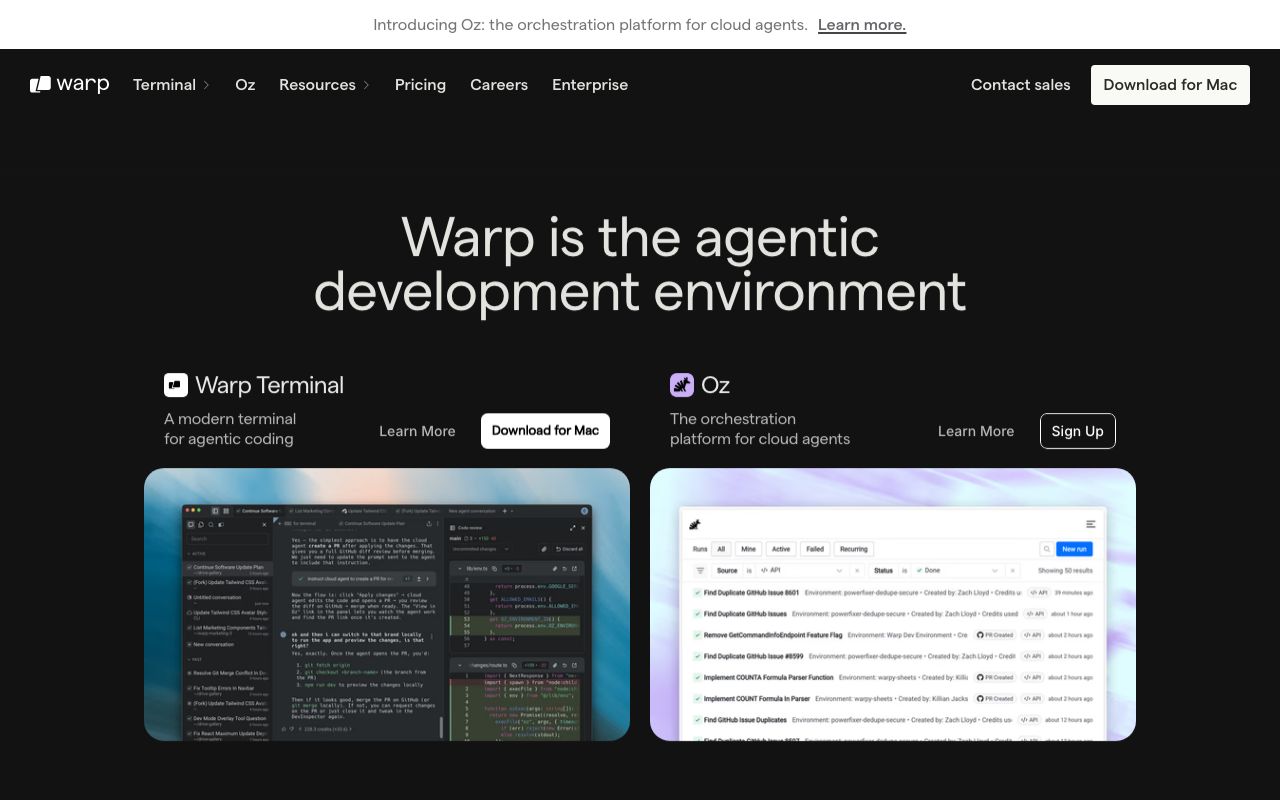
Website Preview
Colors
Primary
#01A4FF
Cyan-blue accent, CTAs
#0E0E10
Terminal background
#FFFFFF
Primary text
#1E1E22
Input blocks, panels
#9CA3AF
Placeholder text
Typography
Inter
Role
SizeWeightHeight
Heading
24px600—
Body
14px400—
AI Output
14px400—
Hack
Role
SizeWeightHeight
Terminal
14px400—
DESIGN.md — Warp
Overview
Warp reimagines the terminal with a modern UI sensibility. A bright cyan-blue accent on dark surfaces creates the expected terminal aesthetic while signaling that this is something new. The design system bridges traditional CLI patterns with GUI conventions — blocks, notebooks, and AI-assisted completions.
Colors
Primary Palette
| Token | Hex | Usage |
|---|---|---|
color-brand | #01A4FF | Cyan-blue accent, CTAs |
color-bg | #0E0E10 | Terminal background |
color-text | #FFFFFF | Primary text |
color-surface | #1E1E22 | Input blocks, panels |
color-muted | #9CA3AF | Placeholder text |
Typography
| Role | Family | Size | Weight |
|---|---|---|---|
| Heading | Inter | 24px | 600 |
| Body | Inter | 14px | 400 |
| Terminal | Hack | 14px | 400 |
| AI Output | Inter | 14px | 400 |
Components
Command Block
- Input prompt with cursor, output block below
- Block selection with blue left border
- Copy, share, bookmark actions on hover
AI Command Search
- Natural language input with blue accent border
- Suggested command with explanation
- "Insert in terminal" action button
Workflow Panel
- Saved command sequences
- Parameterized inputs with placeholder syntax
- Run button and history list
Do's and Don'ts
Do
- Use monospace for all terminal content — no exceptions
- Use blue to distinguish Warp-native UI from terminal output
- Group command + output into visual blocks
Don't
- Don't break terminal color convention (red=error, green=success, yellow=warning)
- Don't use proportional fonts in the terminal canvas
- Don't animate terminal output — it should appear instantly